
10x your projects
Connect the AI your company already runs directly to the models, documents, issues and contract documents in your CDE. Ask questions, get answers with sources, and turn them into topics, reports and evidence.
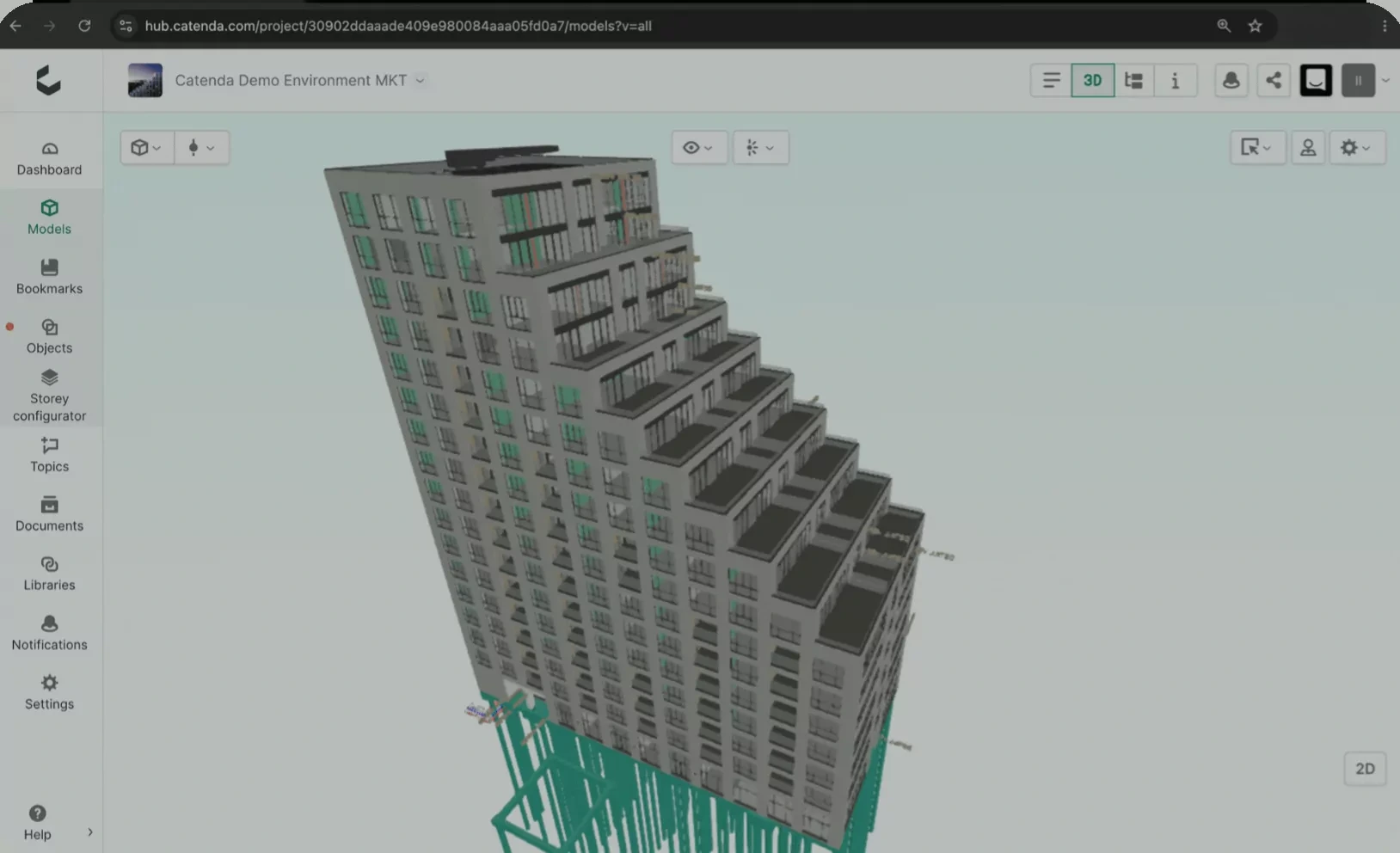



- Copilot: What changed in the architecture models this week?
- Gemini: What documents are missing?
- Claude: Tag all contributors that are pending design updates.
One sentence in Copilot. The AI reads the contracted building specification for the project, queries the doors in the IFC model, lists the deviations with sources, and drafts a topic for each.
The profitability of a project lives somewhere between what was agreed, what was designed, what was built, and what was said along the way. The best general contractors consistently align those four and get paid accordingly.
With AI Connect, comparing a project’s contracts, designs, on-site realities and communications is literally 10x faster. So is tracking project progress. And coordinating design changes. This is how the best general contractors keep performing.
 CopilotCatenda
Connected to Catenda · Riverside Tower

Copilot can make mistakes. Answers cite their sources.
Setup is one connection.
Connect.
AI Connect speaks MCP, the open standard your AI tools already support. Your IT connects Copilot or Claude in an afternoon, without a bespoke connector.
It sees what you see.
The AI acts as the signed-in user. Your project permissions apply, unchanged.
Ask, check, act.
Answers cite their sources. Anything the AI creates, whether topics, reports or links, stays a draft until a person approves it.
All the training and support you need.
Onboarding is included. We handle the technical setup with your IT, then train your team on the basic steps: checking a delivery, drafting a report, creating topics from a file. From there, your coordinators put together the workflows that fit how your projects run.
Accelerate your work 10x
Put Catenda AI Connect to work on real project tasks.
Ask. From hours to minutes of reporting.
Questions answered from live project data, with sources.
- What happened on the project this week? What is overdue? Where is the risk?
- How many doors are missing a fire rating? Asked by the PM directly, no BIM specialist needed.
- Compare this client instruction against the tender documents. What changed?
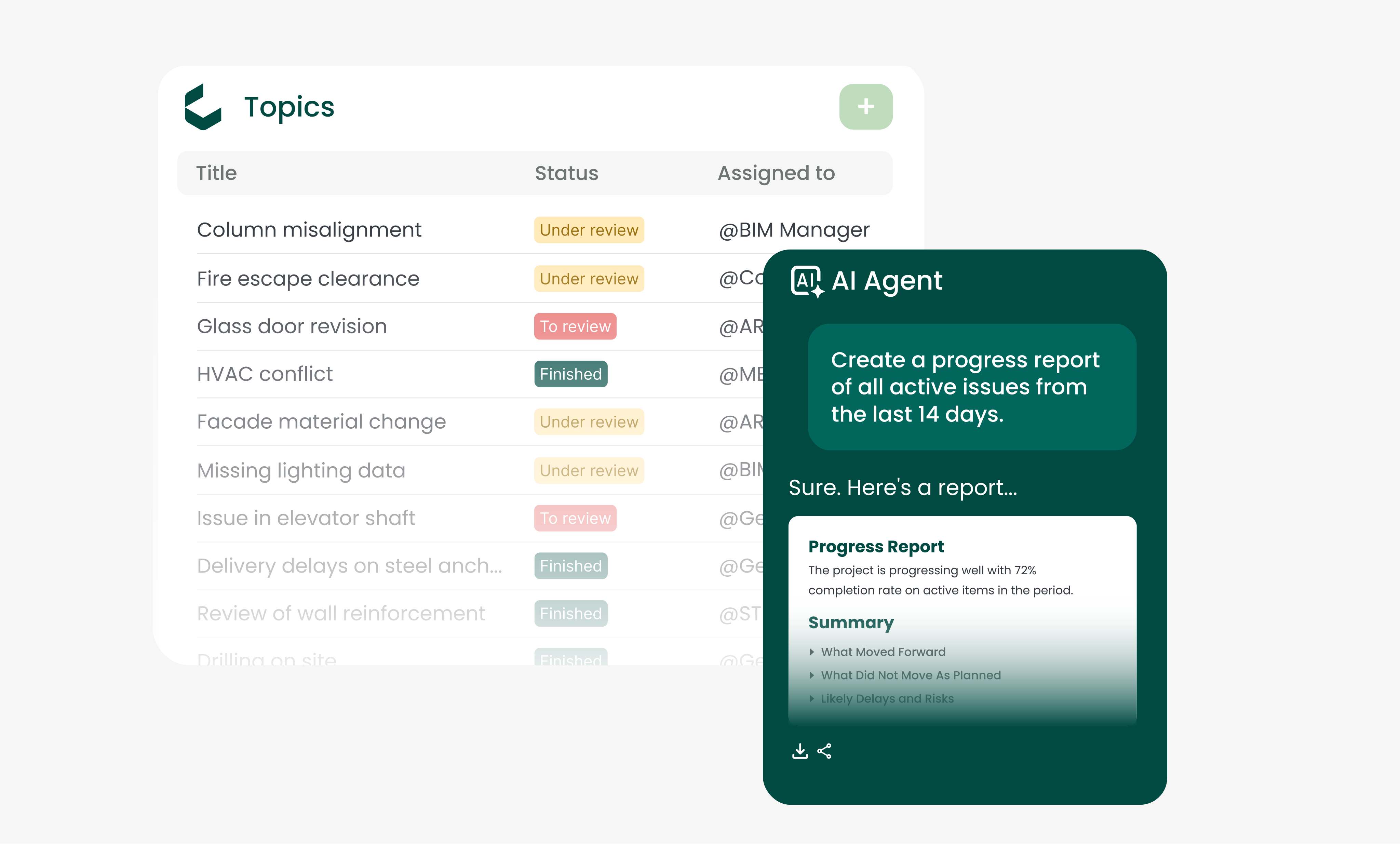
Most teams start here. After a few days they write their own.
Control, for the people who approve it
You decide which AI sees your data.
Built-in AI means the vendor decided for you. With AI Connect your organisation chooses the models, and can change its mind later, because the connection is an open standard rather than a product feature.
Your data stays in the CDE.
Nothing is copied out, nothing trains a public model, and the agent reaches only what the signed-in user is authorised to see.
One place to manage cost.
Point solutions each ship their own in-app AI, each on token pricing, each on a separate invoice. AI Connect keeps access rights and AI consumption managed centrally, as one line item.
Connecting AI to the CDE is like unlocking a treasure trove. Suddenly the data we’ve been carefully structuring for years starts talking back. We’re bringing our advisory experience into this partnership to help make sense of what comes out, and the first sessions already hint at how much more is still to be uncovered.
 Robin KramerConsultant · BASED | BIM management & consultancy
Your AI starting point
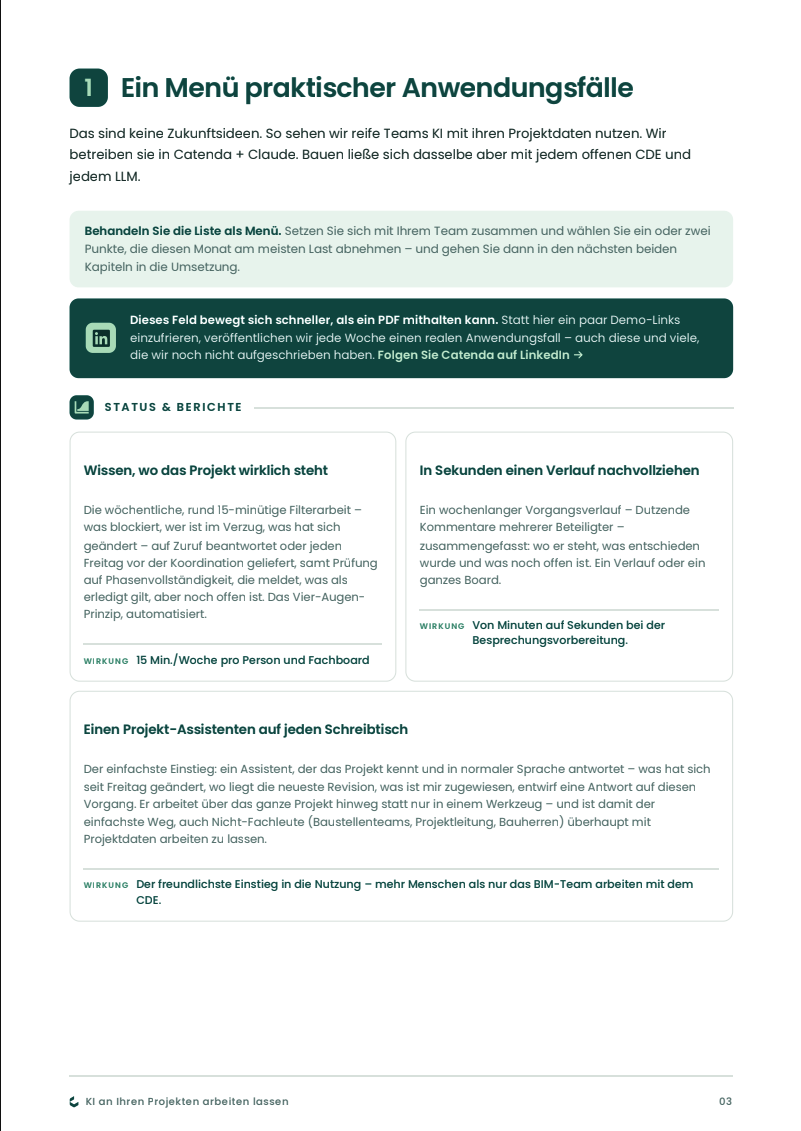
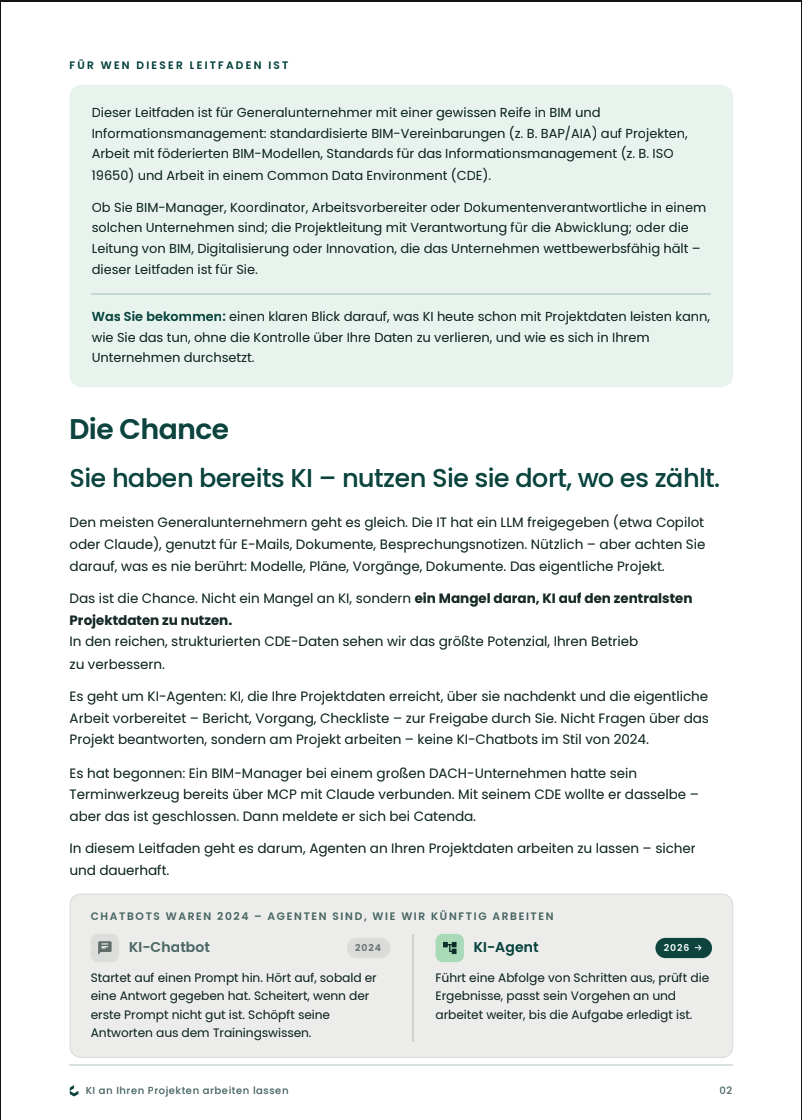
A practical field guide for BIM and project leaders. What AI can already do on your project data, how to keep control of it, and how to make it stick.
What's inside
- Real use casesReporting, clean CDE, clash triage, handover done right.
- How to stay in control of your dataWhy one open control point (MCP) beats scattered AI.
- How to make it stickA five-minute team audit and a one-page rollout plan.
Free PDF · No commitment
Catenda AI FAQ.
What does it mean that Catenda AI is MCP-native?
The Model Context Protocol (MCP) is an open standard for connecting AI agents to data and tools. Catenda exposes your project context through MCP directly, so your own agents, Claude, an in-house tool, whatever you adopt next, can query the same openBIM data with the same permissions, without a bespoke connector and without copying your data elsewhere.
Where does Catenda AI get its answers from?
From your live project in the CDE: IFC models, BCF issues, ISO 19650 document states and the Catenda Duo asset register. It does not answer from outside your project, and every answer cites the element, issue or document revision it used so you can verify it.
Do I have to switch to a Catenda AI assistant?
No. Rather than building a proprietary assistant and asking you to switch, we are opening our data layer through MCP-compliant APIs. You plug in the AI agents you already use, Claude, an in-house tool, whatever comes next, and they work directly with your project data in Catenda Hub. Your choice of AI, no proprietary black box.
Will my project data be used to train a public model?
No. Your project data stays under your control inside your CDE, and security follows your existing framework, agents can only access and process the data the specific user is authorized to use. Catenda AI reasons over your data to answer questions; it does not move it out of your control or train a public model on it.
What can it actually do for BIM management?
It helps you stay ahead by analyzing BCF threads and documents to catch mistakes early; automate manual work by managing BCF issues in natural language; talk to your models by querying IFC data for quantity takeoffs, missing properties or naming errors; and report progress by synthesising BCF threads into a downloadable report. It surfaces and accelerates work; it does not make approval, safety or compliance decisions for you.
Your AI agent. Your project data. Finally connected.
Bring AI to your CDE.
Connect your AI agent. That's it.