
Everything on Site
Catenda Site Pro is the field app for everything on site: quality, defects, health and safety. Caught on site, proven in the record.
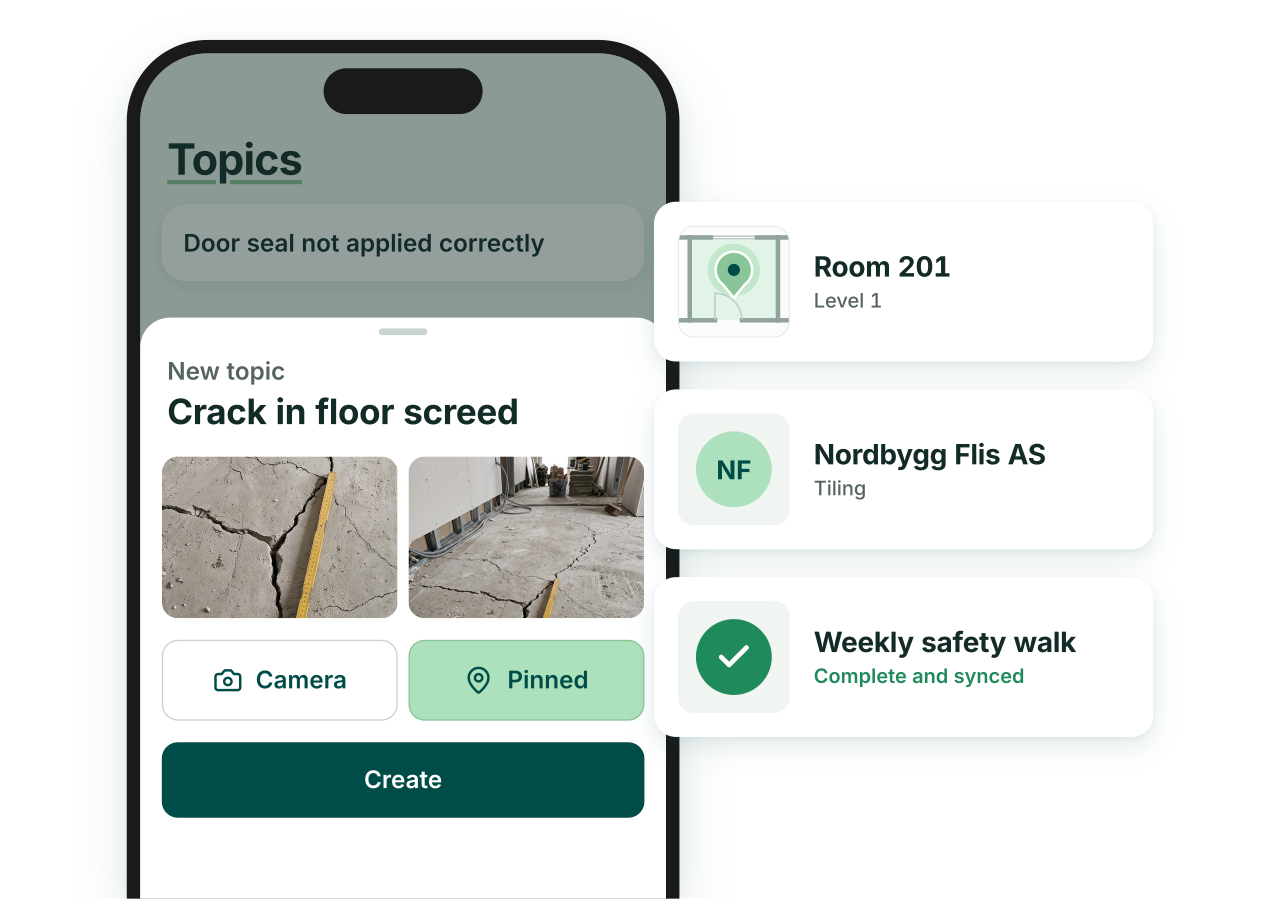
Less friction = more adoption
Loved by subcontractors
A field app only works if the subs use it. So the site team spends its time building, not clicking.
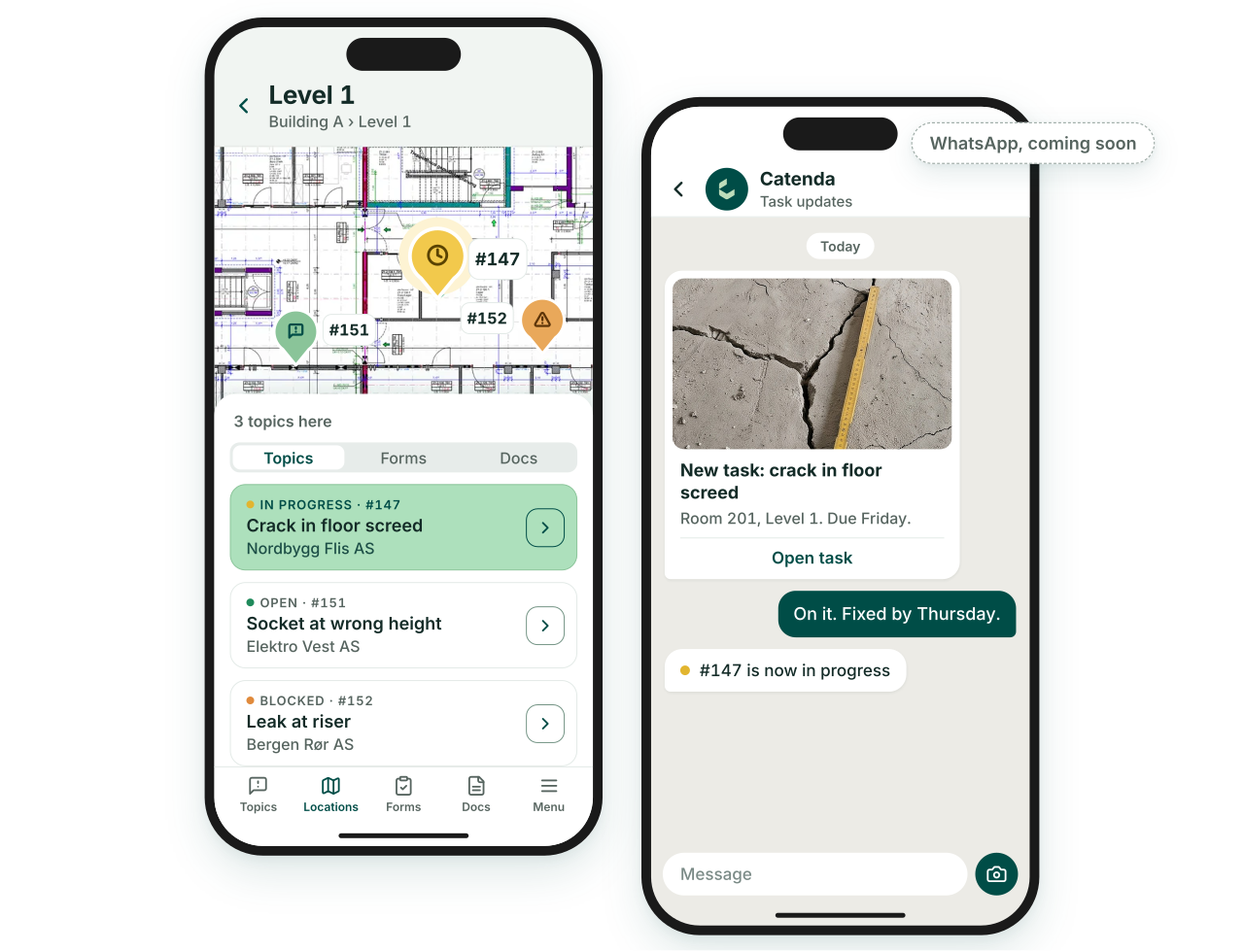
Find it by location
Pick a level or a room, see its drawings and open issues.
WhatsApp integration
Subs work from the app already on their phone. No install, no login.
No per-seat cost
Priced per project, so inviting every sub costs nothing extra.
Catenda Hub + Catenda Site Pro
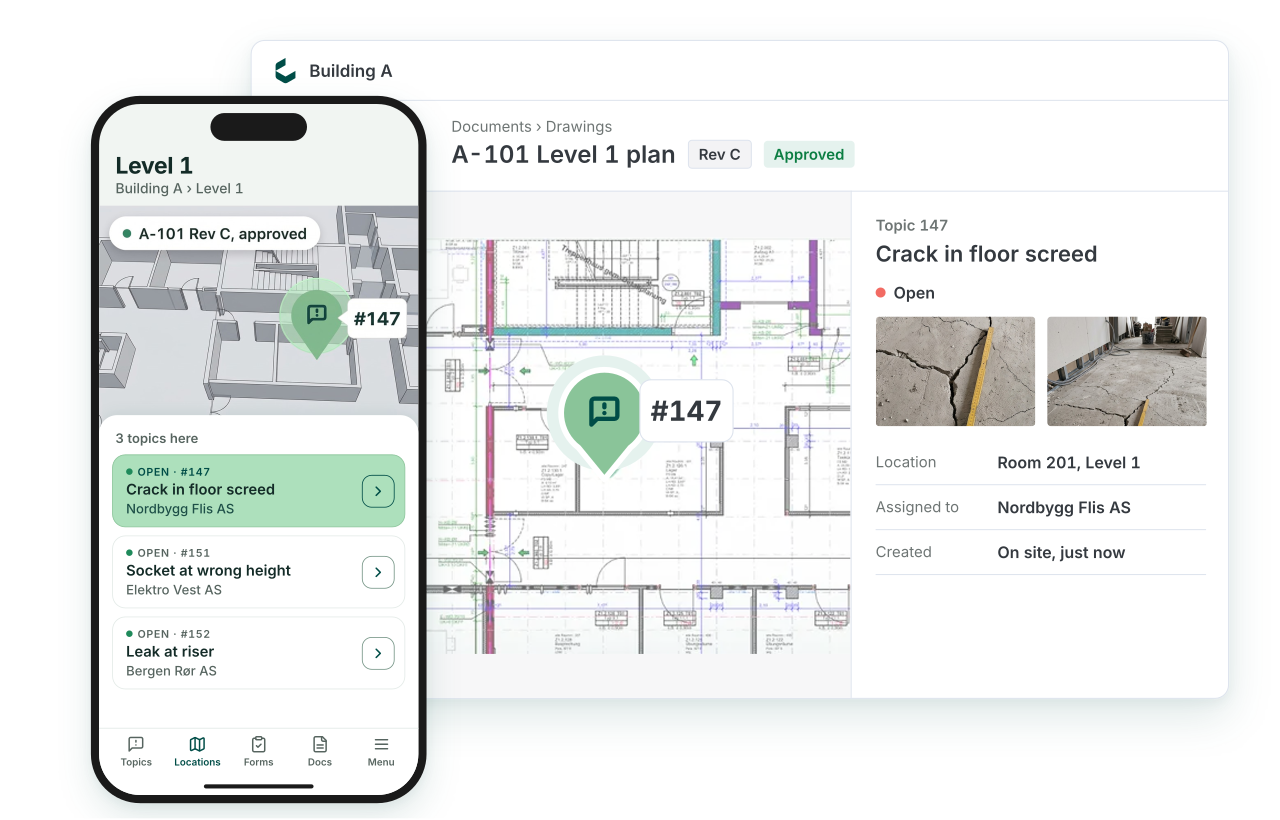
Everything in one place
Design and construction information, always available and always up to date.
Always the approved drawing
Site works from the CDE, never a copy.
Single entry
A snag logged on site is already in the platform, with its photo, location and owner.
The model on site
Open the model on site and check the work against it.
10× faster with AI
All the project information. The AI you have already approved. Less time spent on low-value tasks.
Use the AI you already have
Ask your assistant what is still open on Level 2, or hand it a walk-through list to log in one go.
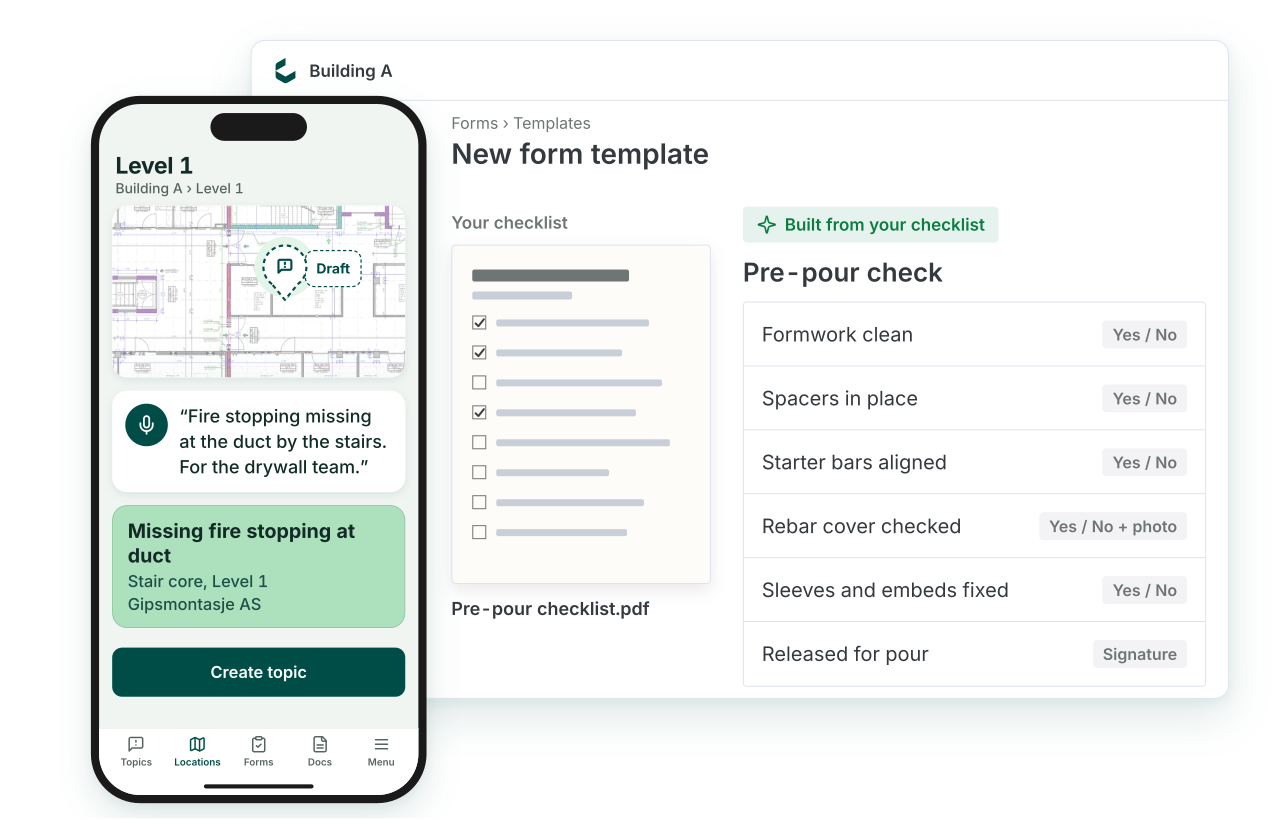
AI form builder
Upload your old checklist. AI builds the form.
WhatsApp + AI
Send a photo and a line. AI files it on the right drawing, for the right trade.
Point and talk
Describe the issue out loud. AI fills in the title, location and trade.
Works with every tool and every team.
Built on open standards and our Open API. Site Pro captures on the device and syncs to the same CDE and tools the office works in.
Connects with


 iOSAndroid
On the device
- iOS & Android native apps
- Full offline capture + auto-sync
- Camera, voice note, markup
- 2D drawings, always the approved version
- 3D model on mobile
- Works on phone & tablet
Quality & handover
- Configurable checklist templates
- Snags as BCF 2.1 / 3.0 issues
- Status per subcontractor and location
- Magic-link subcontractor access
- WhatsApp for subs: no install, no login
Platform & API
- Syncs to Catenda Hub (one CDE)
- REST API + webhooks
- OAuth 2.0 + SSO (SAML)
- MCP server for AI agents
- EU data residency
Part of the project. Unlimited users.
Catenda Site Pro is priced by project value alongside Catenda Hub, not per seat, so site staff and subcontractors join at no extra cost. Every project gets:
- Unlimited users: site staff, inspectors and subs, no per-seat fee
- iOS & Android apps with full offline capture and auto-sync
- Project locations: pick a room, see its drawings and open issues
- Checklists, snagging and inspections, configurable per trade
- Magic-link subcontractor access and proof-of-fix workflow
Catenda Site Pro FAQ.
Does Catenda Site Pro work without signal?
Yes. Capture is fully offline, checklists, snags, photos and voice notes are stored on the device and sync automatically when you're back in range. The site team never waits for a connection to record what they see.
Do subcontractors need a licence or an app to fix snags?
No. You assign a snag and the sub gets a magic link they open on any phone browser, they see the photos and the pin, mark it fixed and upload proof. No app install, no account, no per-seat licence. Pricing is by project, so everyone who touches the work is included. Coming soon: subs can also report and update snags straight from WhatsApp.
How is a snag different from a marked-up PDF?
A snag in Catenda Site Pro is a live issue, not an annotation on a flat file. It is pinned to the drawing at its location, carries its status, photos and history, and shows up in Catenda Hub for the office straight away. Filter by sub or location to see what’s open, with whom and where.
Can we bring our existing checklists?
Yes. Run your QA plan as checklists on site today. Coming soon: upload your old checklist and AI builds the form for you.
Does Catenda Site Pro show the 3D model?
Not yet. Catenda Site Pro works on 2D drawings today, always the approved version from Catenda Hub. The model on site, BIM on mobile with plan checks from model data, is coming soon.
Does it cover BGB, VOB, WKB and ÖNORM requirements?
Yes. Checklist templates and handover exports can be configured for the German (BGB/VOB), Dutch (WKB) and Austrian (ÖNORM) regimes. The localised content lives in the relevant solution page; the app itself supports the underlying records and sign-offs.
How does Catenda Site Pro relate to Catenda Hub?
Site is the field end of the same common data environment. It always works from the approved drawing in Catenda Hub, never a copy, and snags, inspections and evidence land straight in the CDE. The office and the site work from one source of truth, and the handover pack assembles itself as the project runs.
Walk a floor with it. That's the demo.
Get started with Catenda Site Pro.
Bring a punch list. That's it.